
Upload a photo
PNG, JPG or WebP · up to 10 MB
Choose a photo to generate a video.
Your pet takes the stadium piano
Turn one pet photo into a Dog Bohemian Rhapsody video: sit at a stadium piano, tap the keys and give a dramatic look to camera. Create your clip on ReelAI.
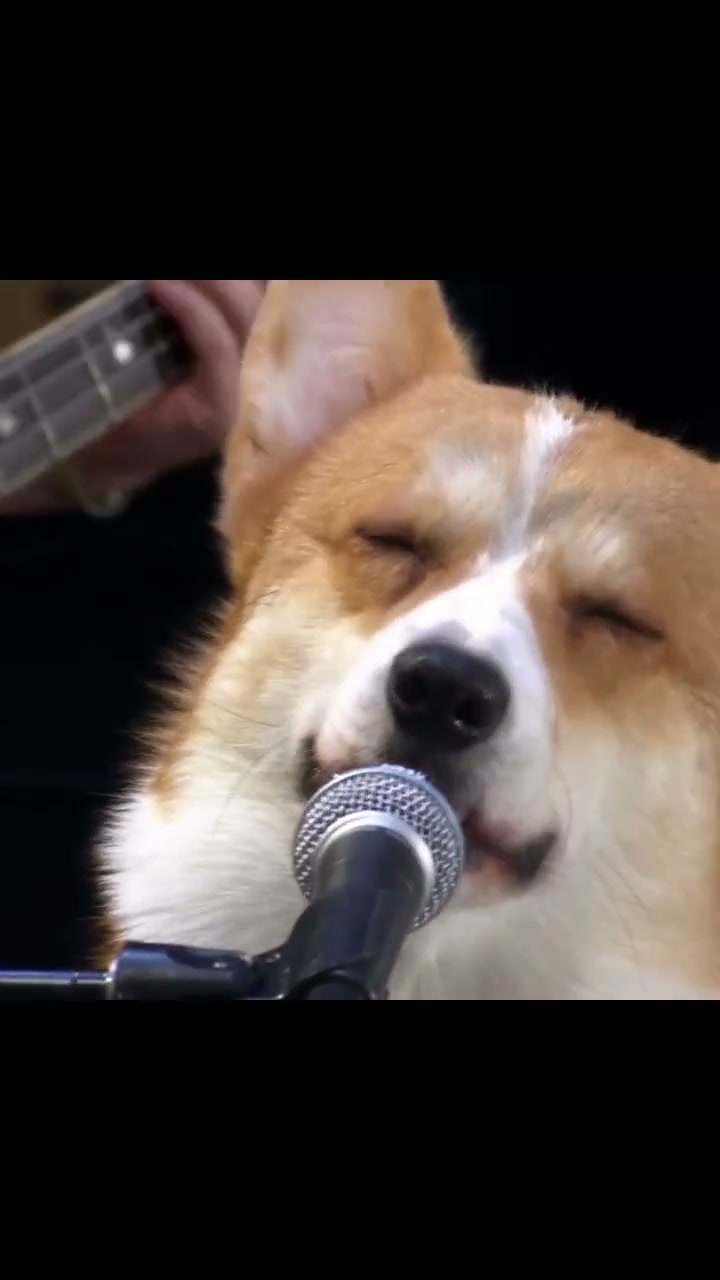
Give your pet the solemn confidence of a stadium headliner. The Corgi the Queen inspiration moves from a crowded concert view to a corgi singing into a microphone, then ends beside the piano keys. This version builds a compact performance around your own animal: a dark stage, one grand piano, a small paw movement and an expressive glance toward the lens. The third-party reference preview illustrates the concert setup; your photo starts a new interpretation.
Best for
- A dramatic pet introduction
- a birthday greeting for a music fan or a serious face doing an absurd job. Choose this over a car-seat singing scene when the piano
- microphone and concert lighting are the joke. A calm pose leaves room for the expression to carry the performance.
Make your pet's piano performance
Choose your photo
Use one sharp photo with your pet's face, ears, chest and front paws visible. A seated pose is useful for the keyboard scene. If you already have an image of the animal at a piano, upload that composition to guide the bench, keys and microphone placement. Keep the muzzle clear of toys or fabric.
Generate with the template
Keep the dark concert stage and one expressive performer, or adjust the lighting and camera distance for your pet.
Review and download
Look at the muzzle, eyes and paws as the camera approaches. The microphone should stay beside the mouth, the keys should remain straight and the animal should keep the same coat markings. Prefer one readable keyboard gesture over rapid paw movements that obscure the face.
Stadium piano direction
Use this reference direction as a starting point in custom-prompt mode. The template runs fixed instructions; remixing is a separate workflow, not an edit to the preset.
Use the uploaded image as the appearance reference for one recognizable pet. Preserve its species, muzzle, ears, fur pattern and proportions. Seat the animal at a black grand piano on a dark stadium stage, with a boom microphone close to its mouth and soft concert lights behind it. Start in a medium view that shows the face and the front paws near the keys. Make a small head lift and a gentle singing-like mouth movement, then one restrained paw tap on the keyboard and a confident look toward the lens. Let the camera approach slowly in one continuous shot. Keep the keyboard straight, the microphone fixed and the animal anatomically coherent, with natural paws rather than human hands. No requested song lyrics, extra performers, captions or scene cuts.
Before you create
Does the Bohemian Rhapsody preset include the Queen recording?
The preset supplies a visual creative direction for a pet-at-the-piano performance. It does not bundle the Queen recording or transfer its exact singing and timing. The reference preview has its own sound, separate from the video made from your image. Focus your version on the stage, expression and keyboard gesture.
Can I change the creative direction?
The preset uses fixed instructions. Copy the reference direction into custom-prompt mode to adapt it; this does not change the preset itself.
What video output should I expect?
The default length is 12s (reference ratio 720/1280). The output follows your uploaded photo's aspect ratio and suits A dramatic pet introduction, a birthday greeting for a music fan or a serious face doing an absurd job. Choose this over a car-seat singing scene when the piano, microphone and concert lighting are the joke. A calm pose leaves room for the expression to carry the performance..
Give your pet the grand piano
Choose a clear pet portrait and build a short piano-stage moment around its own face, ears and markings.