
Upload a photo
PNG, JPG or WebP · up to 10 MB
Choose a photo to generate a video.
An outline glow becomes a fire-edged reveal
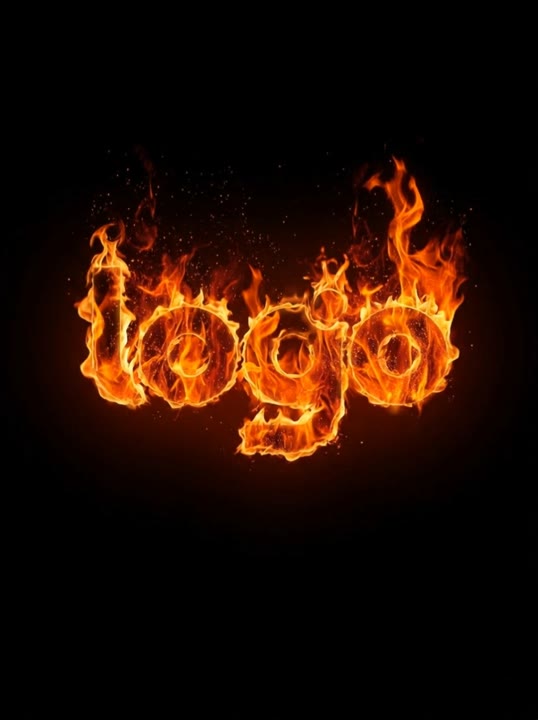
Create a Fire Logo Animation AI video from a logo image. Trace the outline with orange light, add edge flames, and finish on a centered mark with a soft glow.
Fire Logo Animation gives a static mark a short introduction without turning it into a different design. The direction starts with an orange outline, adds small flames around the edges, and ends with a centered hold after the embers rise. A clean background and a strong silhouette make the sequence easier to review than a complicated emblem covered in tiny lettering. This preset animates a raster image; it is not a vector editor or a source of exact typography. Use the clip for a gaming intro, a team identity insert, or a brief brand reveal with a clear closing frame.
Best for
- Gaming logo intros
- Team identity inserts
- Fire-edged brand reveals
Create your Fire Logo Animation intro
Choose your photo
Export one clear logo as PNG, JPG, or WebP, with the full mark visible against a simple background. Keep small text to a minimum and leave space around the edges for flames. This upload control does not accept an SVG file.
Generate with the template
Upload the logo image and select Generate video. The prepared direction traces the outer shape, introduces a few flames and embers, and settles on a centered closing frame instead of replacing the logo with new text.
Review and download
Compare the final mark with your original for silhouette, letter shape, and spacing. Check that the flames stay around the edges rather than hiding the whole design. Small words can change during generation, so inspect any text before using the clip.
Direction for the edge flames and embers
Use this reference direction as a starting point in custom-prompt mode. The template runs fixed instructions; remixing is a separate workflow, not an edit to the preset.
Animate the logo in the reference image into a dramatic fire-edged introduction. Preserve the main silhouette, spacing, and existing colors as the visual guide. Use a dark uncluttered background and a fixed front-facing camera. A narrow orange glow traces the outline, small flames rise around the outer edges, and a few embers drift upward. Let the flames diminish and finish on the same centered mark with a quiet residual glow. Keep the fire around the shape rather than replacing the lettering with a new word. No added slogan, extra logo, camera spin, explosive debris, or new text.
Before you create
Can Fire Logo Animation preserve every letter exactly?
The creative direction asks the model to retain the uploaded mark, but video generation is not a vector-accurate typography workflow. A bold shape with limited lettering is a clearer input than a dense wordmark. Review the final letters and spacing against the source image, and keep your original logo artwork for exact static use.
Can I change the creative direction?
The preset uses fixed instructions. Copy the reference direction into custom-prompt mode to adapt it; this does not change the preset itself.
What video output should I expect?
The default length is 5s (reference ratio 538/720). The output follows your uploaded photo's aspect ratio and suits Gaming logo intros, Team identity inserts, Fire-edged brand reveals.
Give your logo a dramatic opening moment
Choose a clear raster logo with space around the edges, then create a short fiery reveal and compare the final shape and lettering with your original mark.