
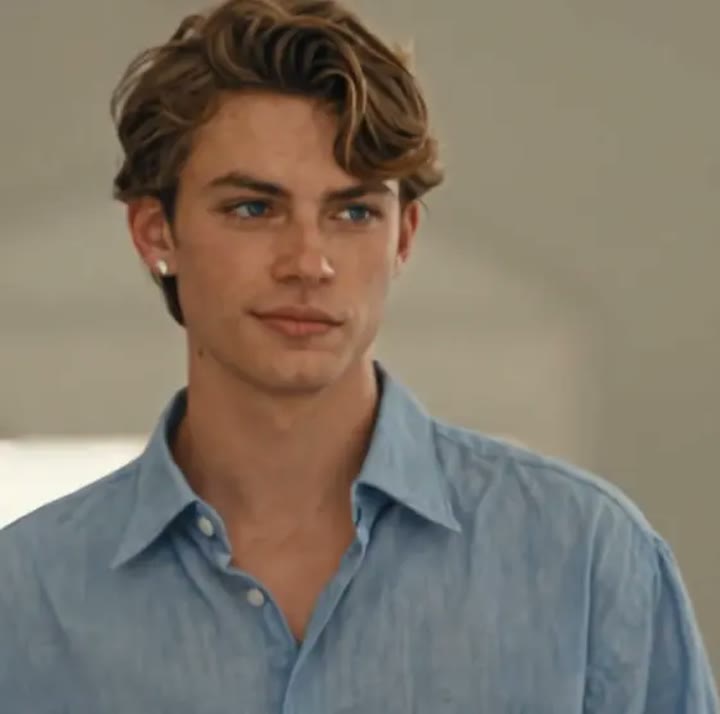
Upload a photo
PNG, JPG or WebP · up to 10 MB
Choose a photo to generate a video.
A church entrance built around your expression
Try the Damon Salvatore AI Video Generator for a church-entrance scene from one photo. Create a composed walk, warm window light and a subtle, knowing smirk.
The Damon Salvatore AI Video Generator gives your own portrait the mood of a dramatic church entrance: calm forward movement, a sideways glance and a restrained smirk. Stone architecture, distant pews and warm window light establish the setting without distracting from the face. A slow backward camera track keeps the subject at the center of the shot. This one-photo version interprets the confident entrance rather than inserting you into an existing television scene or copying an actor's face. It suits character introductions, gothic romance edits and understated reaction clips built around a recognizable expression.
Best for
- Gothic character introductions
- church-entrance edits
- confident reaction clips
Create your dramatic aisle entrance
Choose your photo
Choose a front-facing waist-up or three-quarter portrait with a visible hairline and unobstructed eyes. A relaxed shoulder position and simple outfit help establish the slow walk. Avoid extreme facial expressions or heavy shadow across the mouth.
Generate with the template
Add your portrait and select Generate video. The effect builds a softly lit church aisle and a slow approach, ending with a small sideways glance and a composed smile toward the camera.
Review and download
Look for a consistent face as the subject turns slightly and then smirks. Check that the aisle perspective stays steady, shoulders move naturally and the final expression remains subtle rather than stretching the mouth.
Quiet confidence and a knowing smirk
Use this reference direction as a starting point in custom-prompt mode. The template runs fixed instructions; remixing is a separate workflow, not an edit to the preset.
Create a cinematic church-entrance scene featuring the single person in the uploaded photo. Preserve their recognizable face, hair and body proportions. In a softly lit stone aisle, the subject walks slowly toward the camera with composed shoulders, glances to one side, then finishes with a subtle knowing smirk. Let warm window light catch the face while the distant pews remain softly blurred. Use a gentle backward camera track and one continuous shot. Suggest confident supernatural-drama atmosphere without recreating a specific actor. No extra close-up faces, elaborate hand rituals, text or sudden costume changes.
Before you create
Does the Damon Salvatore effect put me into the original church scene?
The Damon Salvatore effect creates a new church-entrance interpretation using your uploaded subject. It does not edit a television clip, replace an actor frame by frame or guarantee the original hand gestures and shot order. The preset keeps the recognizable mood through a composed walk, warm lighting and a closing smirk.
Can I change the creative direction?
The preset uses fixed instructions. Copy the reference direction into custom-prompt mode to adapt it; this does not change the preset itself.
What video output should I expect?
The default length is 12s (reference ratio 720/720). The output follows your uploaded photo's aspect ratio and suits Gothic character introductions, church-entrance edits, confident reaction clips.
Make the entrance your own
Choose a clear portrait and create your own confident entrance. Review the face and final smirk, then download the take for a gothic or character-led edit.