
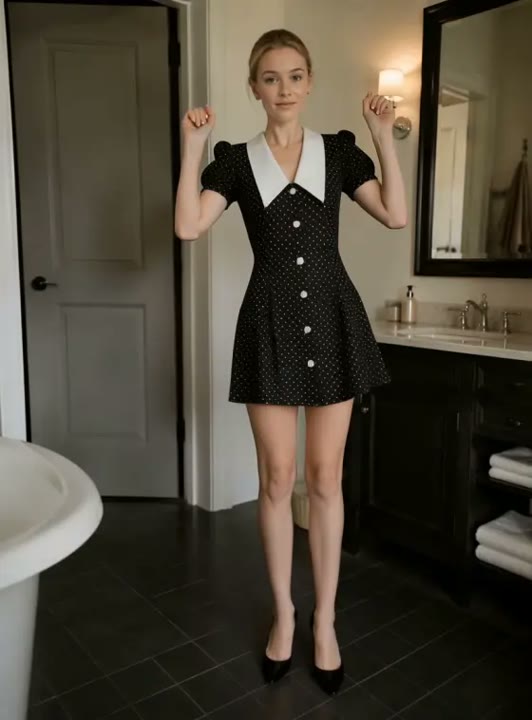
Upload a photo
PNG, JPG or WebP · up to 10 MB
Choose a photo to generate a video.
The Shaking Head change of expression
Make a Shaking Head AI video from one selfie or pet photo. Explore a smug sway and surprised stare, then review your generated reaction clip on ReelAI.
A slow head shake becomes a punchline when the expression changes at the end. This effect starts with a relaxed, pleased look, adds a small sideways sway, and asks for a surprised stare toward the camera. The scene stays close enough to read a cat's whiskers, a dog's eyebrows, or the expression in a human selfie. Unlike a dance effect, the joke needs very little body movement or scenery. Use the resulting short clip as a reaction insert, a captioned pet moment, or the visual answer to a question in your edit.
Best for
- Pet reaction captions
- Selfie replies
- Group chat jokes
- Comedy cutaways
Create your shaking-head reaction
Choose your photo
Choose a front-facing close-up with both eyes visible and room beside the head. Keep ears and whiskers inside the photo for pets. A quiet background helps the small sideways movement remain the focus of the scene.
Generate with the template
Generate one video with the head-shake preset selected. The prepared direction asks for quiet shoulders, a slow sideways movement, and a final look toward the viewer instead of a moving camera.
Review and download
Watch the closed-eye moment and the final stare separately. Check that the eyes reopen cleanly, the nose stays aligned, and the head does not stretch during the sway. Choose the clearest pause for a caption in your editor.
Direction for the smug sway
Use this reference direction as a starting point in custom-prompt mode. The template runs fixed instructions; remixing is a separate workflow, not an edit to the preset.
Animate the single subject in the uploaded photo as a close-up reaction scene. Keep the camera at eye level and retain the surrounding room. Begin with a small satisfied smile, gently close the eyes, and make two slow side-to-side head movements. Pause briefly before opening the eyes into an amused, surprised stare at the lens. Keep the shoulders quiet and the face comfortably inside the frame. Preserve the subject's visible features or fur markings. Use natural indoor light, restrained movement, and one uninterrupted shot without text.
Before you create
Can the Shaking Head effect animate a cat or dog?
Yes. Start with one clear pet portrait where the face looks toward the camera. The creative direction uses a modest head sway rather than a full-body performance, making the facial reaction the main idea. Review ears, muzzle shape, and fur markings in the generated clip; the exact expression and timing can vary.
Can I change the creative direction?
The preset uses fixed instructions. Copy the reference direction into custom-prompt mode to adapt it; this does not change the preset itself.
What video output should I expect?
The default length is 12s (reference ratio 532/720). The output follows your uploaded photo's aspect ratio and suits Pet reaction captions, Selfie replies, Group chat jokes, Comedy cutaways.
Give your portrait a reaction
Upload a close-up selfie or pet photo and explore a small head shake with a big change of expression for your next reaction caption.