
Upload a photo
PNG, JPG or WebP · up to 10 MB
Choose a photo to generate a video.
A glossy coating that follows your car's shape
Try the Venom Car AI Video Generator with one vehicle photo. Create a glossy black-liquid coating, dim garage reflections and a gentle headlight reveal.
The Venom Car effect wraps your vehicle in a glossy black-liquid reveal while its silhouette stays central. Liquid moves from the garage floor onto the lower panels, then settles into a reflective coating as the headlights brighten. A fixed low three-quarter camera makes the contrast between concrete, liquid and bodywork easy to follow. This single-photo version transforms an already visible car rather than assembling a complete vehicle from a small badge or a separate opening image. Use it for a dark automotive introduction, a material-transformation edit or a cinematic reveal of your own car's shape.
Best for
- Dark car introductions
- glossy material transformations
- garage reveal edits
Create your Venom Car liquid reveal
Choose your photo
Choose one sharp front-three-quarter car photo with the entire vehicle and all visible wheels in frame. Keep reflections controlled and the body outline clear. Avoid other cars, heavy foreground objects or a crop hiding the headlights.
Generate with the template
Upload your vehicle photo and generate the garage transformation. The effect moves dark liquid onto the visible body panels and finishes with brightening headlights, keeping the car parked in a single low-angle shot.
Review and download
Watch the liquid as it reaches the panels and check that the car model does not change beneath it. Wheels should remain still, headlights should keep their shape and reflections should not become extra vehicles.
Dark liquid, stable panels and bright headlights
Use this reference direction as a starting point in custom-prompt mode. The template runs fixed instructions; remixing is a separate workflow, not an edit to the preset.
Animate the single vehicle in the uploaded photo into a glossy black transformation inside a dim garage. Preserve the car's silhouette, wheel positions, light shapes and proportions. Thin dark liquid creeps across the concrete, climbs the lower body panels and forms a reflective coating over the car without changing its design. The headlights brighten gently as the coating settles. Use a fixed low front-three-quarter view with controlled floor reflections. Keep the vehicle parked and the liquid separate from the camera. No new cars, monster faces, moving wheels, readable badges, captions or rapid cuts.
Before you create
Does Venom Car rebuild my vehicle from a badge or black puddle?
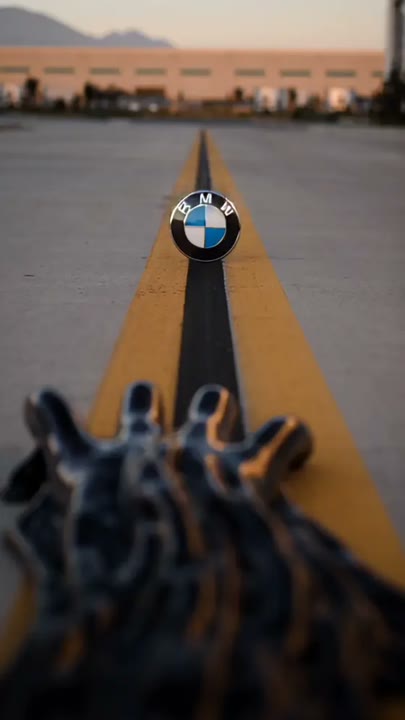
Venom Car on this page starts with the vehicle already visible in your uploaded photo. It directs a black-liquid coating and headlight reveal, not a multi-stage assembly from a badge or empty floor. Choose an image that clearly shows the car you want, then review its silhouette and wheels through the transformation.
Can I change the creative direction?
The preset uses fixed instructions. Copy the reference direction into custom-prompt mode to adapt it; this does not change the preset itself.
What video output should I expect?
The default length is 8s (reference ratio 406/720). The output follows your uploaded photo's aspect ratio and suits Dark car introductions, glossy material transformations, garage reveal edits.
Give your car a black-liquid transformation
Choose a clear car photo and create your glossy reveal. Review the panels, wheels and headlight shapes, then download the take with the cleanest liquid transition.