
Upload a photo
PNG, JPG or WebP · up to 10 MB
Choose a photo to generate a video.
Small movements, a familiar curious face
Try the Thank You Baby AI Dance Generator with one baby or pet photo. Create gentle head bobs, shoulder bounces and a curious look for a playful family clip.
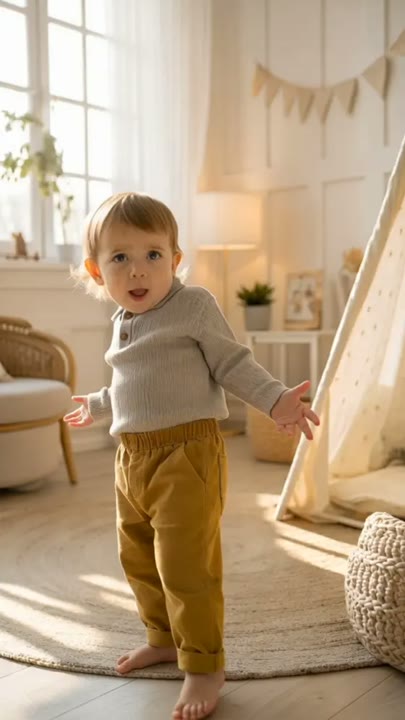
The Thank You Baby AI Dance Generator creates a gentle animated reaction from a baby, toddler or pet photo. Small head bobs and soft shoulder bounces bring movement to the portrait while the subject keeps a comfortable seated pose. A cheerful blink or smile gives way to a curious look toward the camera, making the clip useful as a short family-chat reaction. This one-photo version favors natural-looking gestures over adult-style dance moves, a costume change or exact song synchronization. The subject's age, clothing and recognizable features remain part of the creative direction.
Best for
- Family-chat reactions
- gentle baby-photo animations
- playful pet memes
Create a gentle baby or pet reaction
Choose your photo
Choose one comfortably seated baby, toddler or pet with a clear face and visible upper body. Use natural light and an uncluttered background. Avoid photos with a toy, bottle or hand covering the mouth or eyes.
Generate with the template
Upload your baby, toddler or pet photo and generate the gentle reaction. The effect keeps the comfortable seated pose and adds small head and shoulder movements, ending with a curious look toward the camera.
Review and download
Check that the head bob remains small and the seated posture stays comfortable. The face, age and clothing should remain consistent, with no adult-like body proportions, extra limbs or exaggerated mouth shapes appearing.
Head bobs and soft shoulder movement
Use this reference direction as a starting point in custom-prompt mode. The template runs fixed instructions; remixing is a separate workflow, not an edit to the preset.
Animate the single baby, toddler or pet in the uploaded photo with a gentle playful reaction. Preserve the subject's recognizable face, age, clothing or fur markings and original comfortable seated posture. Add a small head bob, soft shoulder bounce and a cheerful blink or smile, then settle into a curious look toward the camera. Keep the background simple and the camera steady at the subject's eye level. Suggest the Thank You Baby meme mood without adult choreography or word-matched lip movement. No standing acrobatics, added wigs, extra limbs, text or sudden costume changes.
Before you create
Does the Thank You Baby effect make the subject sing the words?
The Thank You Baby effect adds a gentle visual reaction, not a word-matched singing performance. It uses small head bobs, shoulder movement and a curious expression while keeping the original seated pose. You can add a chosen sound afterward, but the preset does not include a particular track or promise exact beat synchronization.
Can I change the creative direction?
The preset uses fixed instructions. Copy the reference direction into custom-prompt mode to adapt it; this does not change the preset itself.
What video output should I expect?
The default length is 12s (reference ratio 406/720). The output follows your uploaded photo's aspect ratio and suits Family-chat reactions, gentle baby-photo animations, playful pet memes.
Bring your family photo gently to life
Choose a clear, comfortable portrait and create a gentle animated reaction. Review the face and posture, then download a take for your family chat or playful pet edit.