
Upload a photo
PNG, JPG or WebP · up to 10 MB
Choose a photo to generate a video.
An open-arm celebration with a bright finish
Make a Shakira Dai Dai AI dance video from one standing photo. Create easy side steps, open-arm poses, and a bright solo celebration for your own short edit.
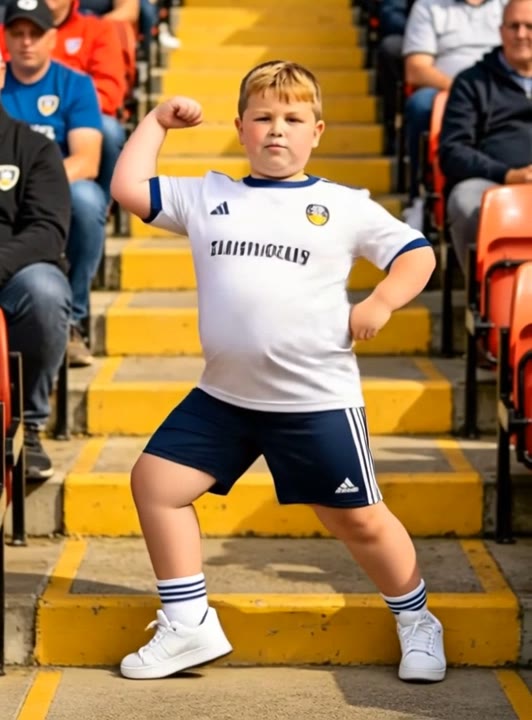
Shakira Dai Dai brings a cheerful football-celebration mood to a solo dance portrait. This preset uses easy lateral steps, a broad open-arm pose, and a small shoulder bounce to make that mood readable in one shot. Warm color and an uncluttered studio keep attention on the performer rather than a crowd. The uploaded face, hair, and outfit guide the character throughout the movement. It is a new photo-to-video interpretation, not a transfer of a particular stage routine. Use it for a match-day reaction, a dance character introduction, or a lighthearted celebration before adding your own edit timing.
Best for
- Match-day celebration clips
- Bright solo dance intros
- Open-arm reaction edits
Create your Shakira Dai Dai interpretation
Choose your photo
Upload one standing adult with hands, knees, and shoes visible. Leave space around the upper body for the open-arm pose. A simple source outfit and a balanced stance make the steps easier to review than a tightly cropped selfie.
Generate with the template
Add the standing photo and select Generate video. The prepared direction keeps one performer in a colorful studio, using a small step pattern and an open-arm finish instead of a multi-person stage routine.
Review and download
Follow the feet across the two side steps and check the hands during the V-shaped pose. The smile and hairstyle should remain recognizable, with no extra dancers or changing clothes when the shoulders bounce near the end.
Direction for the side steps and shoulder bounce
Use this reference direction as a starting point in custom-prompt mode. The template runs fixed instructions; remixing is a separate workflow, not an edit to the preset.
Animate the single adult in the reference image into a bright dance-studio performance inspired by a cheerful football celebration. Preserve the face, hair, outfit, and body proportions. Use a full-body view with a clean floor and warm colorful lighting. The performer takes two easy lateral steps, opens both arms into a broad V shape, and finishes with a small shoulder bounce and a confident smile. Keep the feet grounded and the camera fixed. Create a new solo interpretation with restrained movements, not exact choreography or song synchronization. No extra dancers, sudden spins, altered clothing, lyrics, or captions.
Before you create
Does Shakira Dai Dai AI include the original choreography and track?
This preset creates a fresh solo celebration guided by your photo. Its fixed steps and open-arm pose do not transfer a reference performance or request the original recording. Choose a take with a clear rhythm and expression, then use an editor to place a selected soundtrack around the movement if that matters to your final clip.
Can I change the creative direction?
The preset uses fixed instructions. Copy the reference direction into custom-prompt mode to adapt it; this does not change the preset itself.
What video output should I expect?
The default length is 12s (reference ratio 532/720). The output follows your uploaded photo's aspect ratio and suits Match-day celebration clips, Bright solo dance intros, Open-arm reaction edits.
Give your portrait a cheerful celebration
Pick a full-body adult portrait with room around the hands and create a bright celebration clip built around easy steps, open arms, and a smile.