
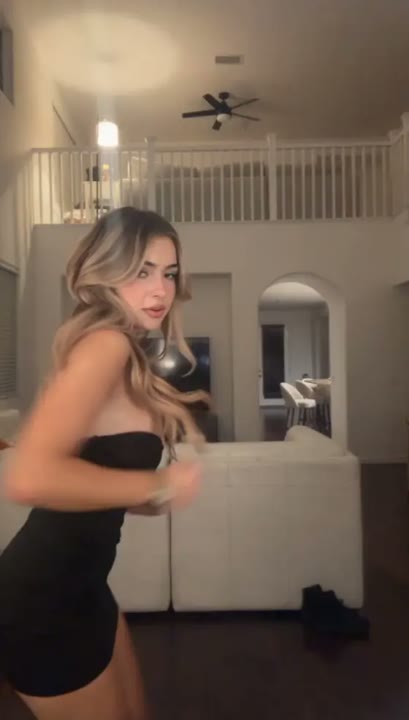
Upload a photo
PNG, JPG or WebP · up to 10 MB
Choose a photo to generate a video.
Everyday room, dramatic slow-motion entrance
Create a dramatic solo with the Pray For Me Slow Mo Dance AI Video Generator. Turn one standing photo into a slow-motion room entrance with deliberate steps.
The Pray For Me Slow Mo Dance AI Video Generator makes an ordinary room feel like the setting for an overdramatic entrance. Your subject moves through a small side step, a shoulder lift and a measured approach to the camera, with restrained slow-motion energy. The joke comes from the contrast between the everyday surroundings and the serious performance. This page offers a one-person photo-to-video interpretation rather than a duo handoff, trio lineup or exact remake of a reference routine. It works for confident arrivals, playful comeback posts and reaction edits that need a longer visual pause.
Best for
- Dramatic room entrances
- comeback reactions
- slow-motion portrait edits
Make your own slow-mo arrival
Choose your photo
Choose a standing portrait with one person, visible shoes and space around the shoulders. Keep the background simple and the body upright. A room photo can establish the everyday setting without requiring a separate scene image.
Generate with the template
Upload your standing photo and generate the solo entrance. The preset uses a short sequence of deliberate movements, leaving the room steady so the slow-motion performance carries the visual joke.
Review and download
Check that the slow steps stay grounded and the subject does not slide toward the camera. Shoulder and fabric movement should feel continuous, while furniture and room lines stay fixed throughout the approach.
Measured steps and a serious expression
Use this reference direction as a starting point in custom-prompt mode. The template runs fixed instructions; remixing is a separate workflow, not an edit to the preset.
Animate the single person in the uploaded image into a dramatic slow-motion solo in an ordinary room. Keep the face, hairstyle, clothing and body proportions recognizable. Begin in a relaxed stance, then shift weight into a small side step, lift the shoulders, open one arm and take two deliberate steps toward the camera. Let fabric and hair move subtly while the background stays steady. Use smooth cinematic movement and a playful serious expression inspired by a slow-motion entrance. No exact song timing, sudden sprint, extra performers, floating feet, added text or abrupt cuts.
Before you create
Does the Pray For Me Slow Mo effect include the song?
The Pray For Me Slow Mo effect creates the visual mood of a dramatic solo entrance. It does not include a specific track or match movement to uploaded music. After downloading, you can place the clip under your chosen sound and trim around the shoulder lift, side step or approach for your preferred rhythm.
Can I change the creative direction?
The preset uses fixed instructions. Copy the reference direction into custom-prompt mode to adapt it; this does not change the preset itself.
What video output should I expect?
The default length is 12s (reference ratio 406/720). The output follows your uploaded photo's aspect ratio and suits Dramatic room entrances, comeback reactions, slow-motion portrait edits.
Give your entrance a slow-motion moment
Pick a clear standing portrait and create a dramatic arrival. Review the grounded steps, download your take and build a short reaction edit around its best pause.