
Upload a photo
PNG, JPG or WebP · up to 10 MB
Choose a photo to generate a video.
A tiny character with a very big dessert
Create a Mini Me AI video from one clear portrait photo. Animate a tiny version of yourself enjoying an oversized ice cream on a sunny window ledge with ReelAI.
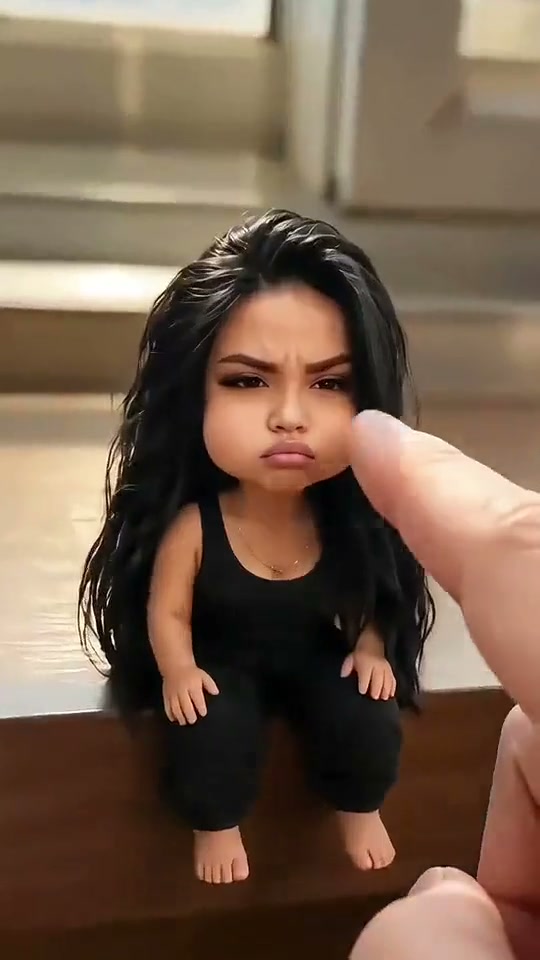
Mini Me makes scale the joke: a tiny person sits on a window ledge with an ice cream that looks enormous beside them. The character reaches for the cone, takes a small bite and reacts to the cream. Start with one clear portrait; the prompt imagines a doll-sized version of you while keeping recognizable facial details and the outfit as visual cues. A short eating gesture lets the size contrast do the work. The direction leaves out an entering giant hand and focuses on the character and one object. Daylight, a clear ledge edge and a simple background make the miniature world readable even when the clip appears in a small social feed. The inspiration contains more than one miniature character, an entering hand and cream-covered faces; this version narrows the action to one character and one cone.
Best for
- Miniature self-portraits
- ice cream reaction clips
- cute tiny-character memes
Create your tiny ice cream moment
Choose your photo
Upload one clear portrait with the face, hair and outfit easy to see. A waist-up or full-body image supplies more clothing detail than a tight face crop. You can also use an already prepared miniature scene if you want to set the exact ledge and cone arrangement.
Generate with the template
Add your portrait, review the miniature scene direction and generate a short eating gesture.
Review and download
Check that the character stays the same size and the cone keeps its shape. Hands should touch rather than pass through the cone, and any cream should remain a small visible detail. Keep the ledge stable and reject abrupt jumps in scale.
Keep the scale, add a small bite
Use this reference direction as a starting point in custom-prompt mode. The template runs fixed instructions; remixing is a separate workflow, not an edit to the preset.
Create a whimsical miniature scene using the person in the uploaded photo as the identity reference. Preserve recognizable facial details, hairstyle and outfit cues. Show a doll-sized version of them seated securely on a sunny window ledge, holding one ice cream cone nearly as tall as their torso. They take one small bite, look up with a pleased expression and have a little cream beside the mouth. Keep scale consistent, hands distinct and the cone intact. No giant hand entering, new people, falling, extra cones, cuts, text or logos.
Before you create
Can I make a Mini Me video from an ordinary selfie?
Yes, a clear selfie can guide the character's identity while the prompt asks for a tiny figure, a ledge and a large cone. The final proportions and likeness depend on the input and generated interpretation. An already prepared miniature image offers more control over the scene, but it is optional. The reference is inspiration, not a guaranteed matching result.
Can I change the creative direction?
The preset uses fixed instructions. Copy the reference direction into custom-prompt mode to adapt it; this does not change the preset itself.
What video output should I expect?
The default length is 10s (reference ratio 540/960). The output follows your uploaded photo's aspect ratio and suits Miniature self-portraits, ice cream reaction clips, cute tiny-character memes.
Give your tiny self an ice cream moment
Choose your portrait and bring a tiny, ice-cream-loving version of yourself to life.