
Upload a photo
PNG, JPG or WebP · up to 10 MB
Choose a photo to generate a video.
A sparkle-led glow-up
Make a Let's Break Up AI video from a portrait. Give your photo a sparkling outfit change and a confident final pose with a simple one-scene glow-up direction.
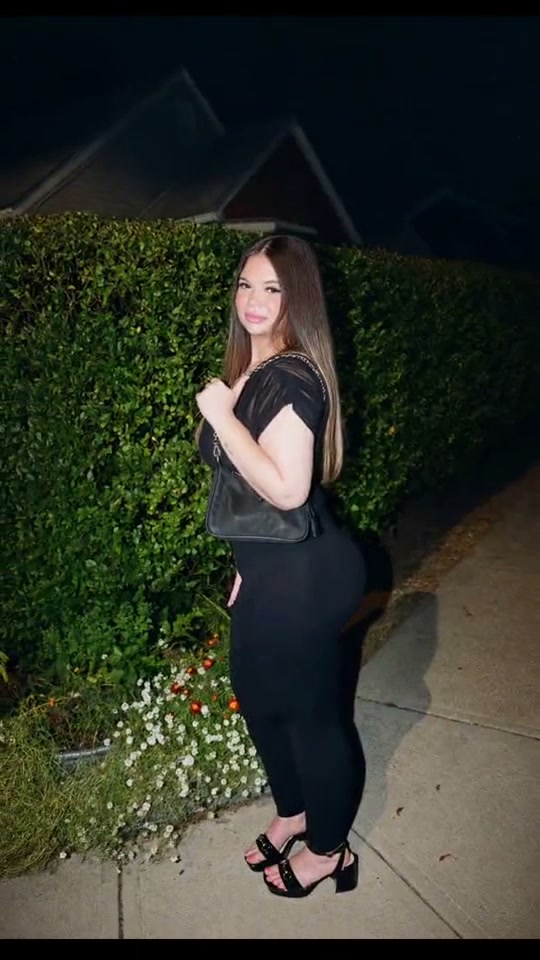
Let's Break Up uses the glow-up reveal as its punchline. The reference edit moves from a casual outdoor photo through a cartoon sparkle insert to a nighttime fashion portrait. Here the creative direction becomes one new portrait scene: a sweep of light reveals an evening look, and the subject settles into a confident pose. Your starting expression can be calm or thoughtful; it does not need exaggerated crying.
Best for
- A new-look reveal
- a post-breakup reaction or a playful outfit transformation. Pick an evening style you can describe clearly in the starting scene.
Choose your before portrait
Choose your photo
Choose one sharp waist-up or full-body portrait with visible clothing edges and space around the shoulders. A simple background helps the sparkle pass stay separate from the face. Keep the face uncovered and avoid an already busy collage.
Generate with the template
Let a single light sweep introduce the evening look, then hold a confident final pose. Keep the change focused on clothing and presentation.
Review and download
Watch the face through the light sweep, then inspect the neckline, hands and final outfit. The reveal should resolve into one complete look instead of leaving half the original clothing behind.
Shape the outfit reveal
Use this reference direction as a starting point in custom-prompt mode. The template runs fixed instructions; remixing is a separate workflow, not an edit to the preset.
Create a short continuous portrait transformation from the uploaded image. Preserve the subject's recognizable face, hairstyle, body proportions and position. Begin with the existing casual clothing and a quiet thoughtful expression. A soft silver sparkle sweep rises around the clothing, revealing one elegant dark evening outfit while leaving the face visible. Let the subject straighten their posture, turn one shoulder slightly toward the camera and finish with a small confident smile. Keep the background stable with gently warmer evening light. The sparkle should pass once and disappear. No cartoon inserts, copied film frames, other people, face morphing, dramatic body reshaping, written breakup captions, montage cuts or logos.
Before you create
Does this recreate the cartoon clip in the reference?
The reference shows a montage with a cartoon transformation insert. This preset authors a continuous sparkle-led glow-up around your portrait, without inserting that animation or generating its caption.
Can I change the creative direction?
The preset uses fixed instructions. Copy the reference direction into custom-prompt mode to adapt it; this does not change the preset itself.
What video output should I expect?
The default length is 8s (reference ratio 540/960). The output follows your uploaded photo's aspect ratio and suits A new-look reveal, a post-breakup reaction or a playful outfit transformation. Pick an evening style you can describe clearly in the starting scene..
Make your glow-up entrance
Start with a clear portrait and give the reveal a look that feels like your next chapter.