
Upload a photo
PNG, JPG or WebP · up to 10 MB
Choose a photo to generate a video.
A bounce and a wave for your victory moment
Create a GG EZ AI dance video from one standing photo or character image. Animate a bounce, a double wave, and a confident neon-lit victory groove in ReelAI.
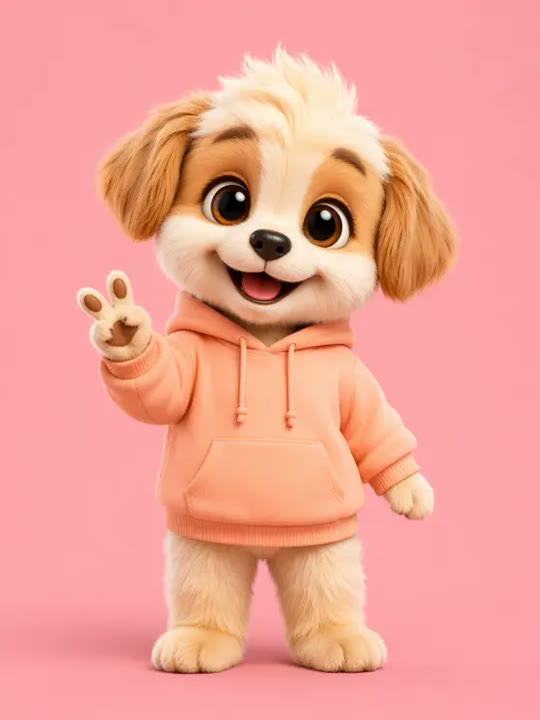
GG EZ gives a familiar character a short, confident victory moment. A knee bounce, a relaxed double wave, and a small side step keep the performance readable without a fast-moving camera. The neon floor supplies a game-like atmosphere while the uploaded outfit and appearance define the lead. This preset creates a new solo groove rather than transferring precise letter gestures or the timing of a source track. A person portrait or a standing game-style avatar can both supply the starting pose. Use the result for a playful win reaction, a character introduction, or an energetic insert in a gaming edit.
Best for
- Gaming victory reactions
- Neon character intros
- Playful solo wave clips
Create your GG EZ character groove
Choose your photo
Use one standing adult or character with both hands, shoes, and face visible. Leave space near the shoulders for the double wave. A clear silhouette and a simple pose help preserve the original outfit while the body shifts weight.
Generate with the template
Add the standing image and select Generate video. The prepared direction stages one solo groove with a short double wave and a side-step finish, without trying to spell letters or copy a full dance challenge.
Review and download
Inspect the two hands during the wave and the feet during the side step. Keep the same face and outfit through the neon lighting. The closing look should be a stable pose rather than a sudden extra dance move or new character.
Direction for the neon-lit wave and step
Use this reference direction as a starting point in custom-prompt mode. The template runs fixed instructions; remixing is a separate workflow, not an edit to the preset.
Animate the single adult or game-style character in the reference image into a playful victory groove. Preserve the recognizable face, outfit, hairstyle, and proportions. Use a full-body view on a clean neon-lit floor. Begin with a small knee bounce, bring both hands up for a short relaxed double wave, and finish with one balanced side step and a confident camera look. Keep the movement continuous and the camera steady. Make an original short performance, not exact letter gestures or a copied song routine. No extra dancers, written initials, fast spins, costume swaps, lyrics, or on-screen text.
Before you create
Does GG EZ AI spell the letters or match a specific dance track?
The preset focuses on a new victory-style groove and does not request exact letter shapes, written initials, or a named recording. Those details are separate from the bounce and wave in the creative direction. Review the generated motion first, then add your own text or selected soundtrack in an editor if your post needs them.
Can I change the creative direction?
The preset uses fixed instructions. Copy the reference direction into custom-prompt mode to adapt it; this does not change the preset itself.
What video output should I expect?
The default length is 12s (reference ratio 406/720). The output follows your uploaded photo's aspect ratio and suits Gaming victory reactions, Neon character intros, Playful solo wave clips.
Give your character a confident win reaction
Choose a clear full-body portrait or avatar and create a short neon-lit victory reaction, then check the hands, feet, and closing pose before downloading.