
Upload a photo
PNG, JPG or WebP · up to 10 MB
Choose a photo to generate a video.
A studio session that turns into a joke
Create an Alors on Danse inspired AI video from one prepared duo image. Explore a white-studio keyboard scene and amused reactions, then review it on ReelAI.
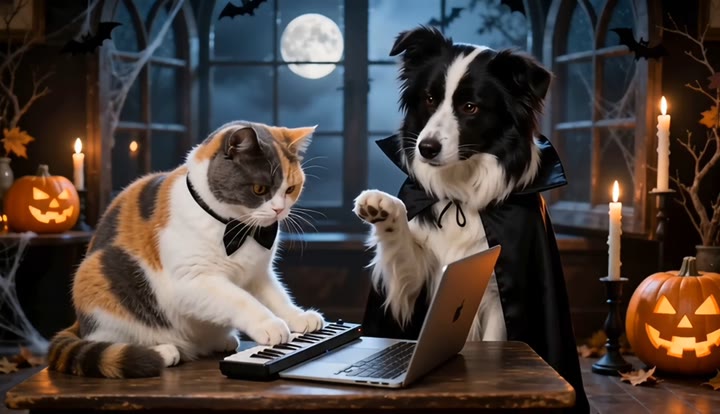
Alors on Danse turns a miniature studio session into a comedy exchange. One person works at the keys while the other reacts from beside a laptop, letting a small gesture become the joke. This preset starts with one complete image that already establishes those two roles, the white table, and the instruments. The camera remains wide enough to see both characters, with restrained finger movement and a seated reaction rather than a long dance sequence. Use the short clip for a music-making joke, a creative-partner introduction, or an animated insert in a larger studio-themed edit.
Best for
- Music-making jokes
- Creative-partner introductions
- White-studio comedy edits
Create an Alors on Danse interpretation
Choose your photo
Prepare one image with both people, the keyboard, and laptop visible together. Separate the standing player's hands from the keys enough to read their shape. Keep the seated partner's pointing arm clear of the other person's body.
Generate with the template
Generate one studio clip from the complete scene image. The direction keeps both roles in view and pairs a small keyboard movement with an amused seated response, avoiding a complicated series of cuts.
Review and download
Watch the hands over the keyboard and check that the laptop stays in place. Review each face during the seated reaction so the identities do not blend. A clear exchange of glances is more useful than fast, unreadable finger motion.
Direct the keys and seated reaction
Use this reference direction as a starting point in custom-prompt mode. The template runs fixed instructions; remixing is a separate workflow, not an edit to the preset.
Animate the two people already arranged in the single uploaded studio image. Keep their faces, clothes, and left-right positions distinct. The left person stands at a small keyboard on a white table, while the right person sits beside a laptop. Ask the keyboard player for a few restrained finger movements and a small shoulder bounce. Let the seated partner point once toward the keys, then lean back with an amused expression. Use a fixed medium-wide camera, bright white surroundings, coherent hands, no new performers, no captions, and no specific song or lyric performance.
Before you create
Can Alors on Danse assign keyboard and laptop roles from two photos?
This preset uses a single prepared studio image, not two portrait upload slots. Arrange the keyboard player and seated partner together first so their roles are visible from the opening frame. It creates a short interpretation of the exchange without the original sketch audio, exact dialogue, or reference-video timing being supplied.
Can I change the creative direction?
The preset uses fixed instructions. Copy the reference direction into custom-prompt mode to adapt it; this does not change the preset itself.
What video output should I expect?
The default length is 12s (reference ratio 720/414). The output follows your uploaded photo's aspect ratio and suits Music-making jokes, Creative-partner introductions, White-studio comedy edits.
Animate your own white-studio exchange
Arrange your keyboard player and reacting partner in one image, then explore a short studio exchange built around small movements and an amused look.