
Upload a photo
PNG, JPG or WebP · up to 10 MB
Choose a photo to generate a video.
A curious visitor at the front door
Create a Doorbell Camera AI video from one person or pet photo. Add a curious porch visit, wide-angle lean-in and small wave in a fixed front-door scene.
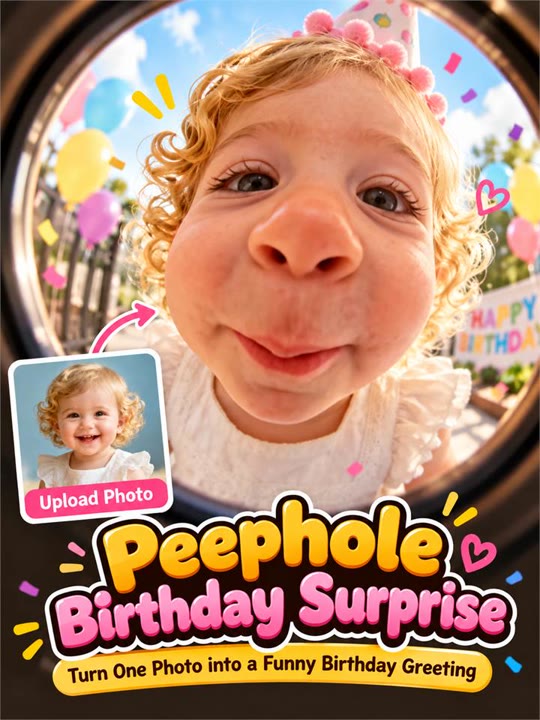
The Doorbell Camera effect makes your uploaded subject the unexpected visitor at the front door. A fixed porch view and mild fisheye perspective set up the scene before a curious lean-in, head tilt and small wave deliver the reaction. The doorway stays still so the joke belongs to the visitor rather than a moving camera. This single-image version follows one person or pet, not a montage of strangers or a detailed delivery prank. Use it for a funny arrival message, a pet-at-the-door meme or a fictional security-camera-style reaction with a clear face.
Best for
- Funny arrival messages
- pet-at-the-door memes
- porch-camera reactions
Make your Doorbell Camera porch clip
Choose your photo
Choose one person or pet with a clear face and enough body detail for a small step and wave. Keep hands or front paws visible. Avoid tight face crops that leave no room for the lean-in gesture.
Generate with the template
Add your subject photo and generate the porch scene. The effect uses a fixed wide-angle viewpoint, then guides a small step, curious lean and wave while the doorway remains steady behind the visitor.
Review and download
Watch the face during the wide-angle lean and check that the porch frame does not bend with the subject. The wave or paw lift should remain coherent, with no timestamp-like lettering appearing over the image.
A fixed porch view and a curious lean-in
Use this reference direction as a starting point in custom-prompt mode. The template runs fixed instructions; remixing is a separate workflow, not an edit to the preset.
Create a humorous front-porch visit featuring the single person or pet in the uploaded photo. Preserve the recognizable face, outfit or fur markings. Use a fixed wide-angle doorbell viewpoint facing a simple porch in soft evening light. The visitor steps into the center, leans slightly toward the lens, tilts the head with curiosity and makes one small wave or front-paw lift before settling back. Keep the doorway and porch edges stable with mild fisheye distortion. No readable timestamps, recording labels, extra visitors, floating paws, text overlays or abrupt camera movement.
Before you create
Does Doorbell Camera add a real recording date or security log?
Doorbell Camera creates a fictional porch view from your photo, not a connected camera recording. The preset does not add a real timestamp, read a device log or reproduce an actual visitor event. It concentrates on the wide-angle look and one curious reaction; add any caption separately after reviewing the clip.
Can I change the creative direction?
The preset uses fixed instructions. Copy the reference direction into custom-prompt mode to adapt it; this does not change the preset itself.
What video output should I expect?
The default length is 12s (reference ratio 406/720). The output follows your uploaded photo's aspect ratio and suits Funny arrival messages, pet-at-the-door memes, porch-camera reactions.
Create your unexpected front-door arrival
Choose a clear person or pet photo and create a funny porch visit. Review the face and wave, then download the take with the best curious pause.